Operations module
Calendar
Make shared schedules easier to see, organize and adjust.
Plan together, with less clutter
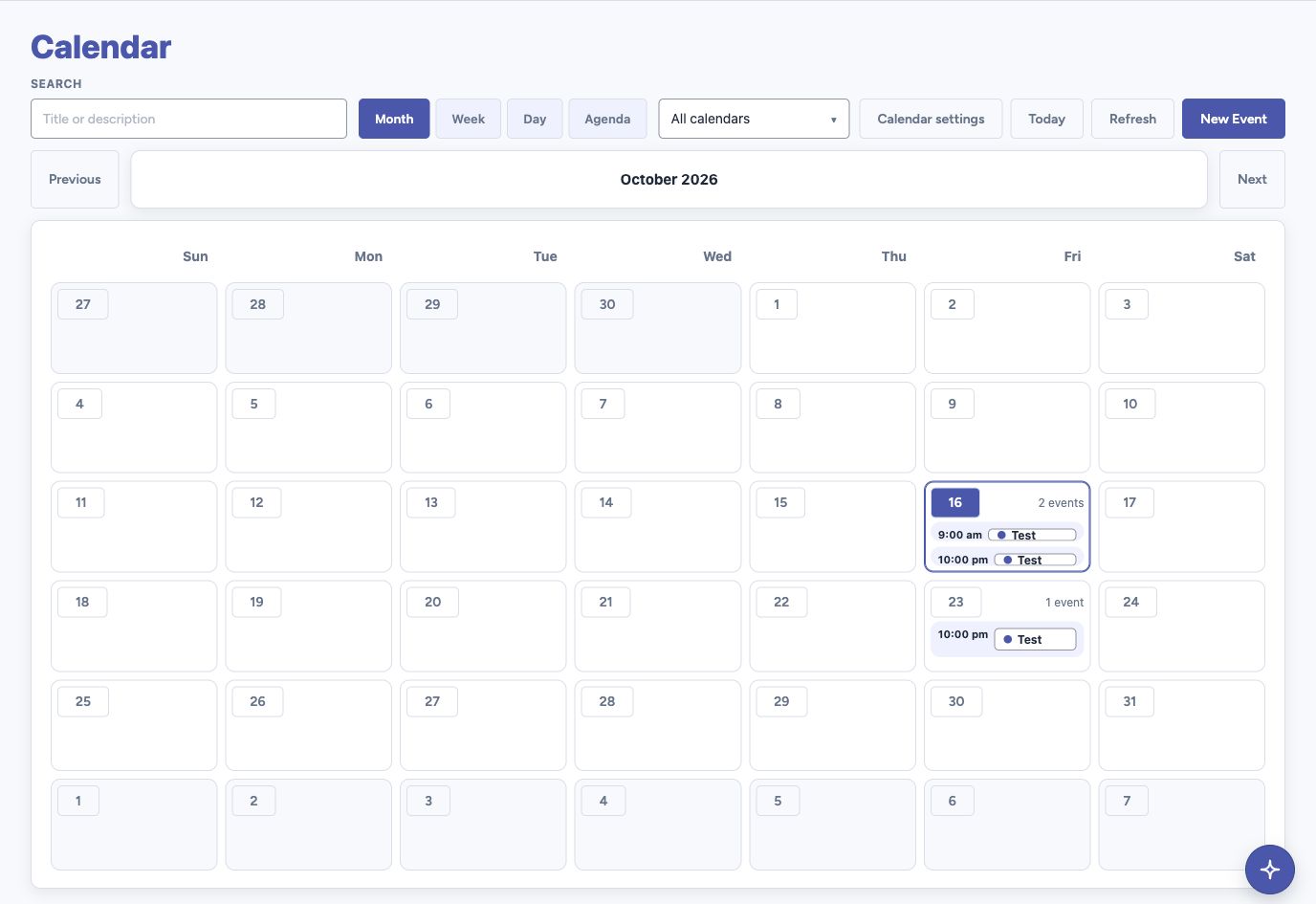
- Switch between Month, Week, Day and Agenda views.
- Create multiple calendars with recognizable names and brand or custom colors. Choose which calendars to show.
- Open a date into an expanded day view without losing your place in the month.
- Schedule timed, all-day and repeating events with configurable event types.
- Move events and adjust their duration in 15-minute steps, with a visible time preview.
A clearer view of the day
A full-width period heading and compact controls keep the calendar in focus. Search events and choose the calendars you want to see.
Select a date to see its events in a larger overlay. Open event details or start a new event, then close the day to return to the month.
Works with your service choice
Use calendars stored directly in Metis without Google Workspace. When Workspace is enabled, connected Google calendars are available. Switching services does not transfer or erase the other calendar store.
Flexible schedules and controlled access
Native repeating events support day, week, month and year intervals, weekday choices and ending rules. Access to viewing, creating, editing, deleting and managing calendars follows assigned permissions. Authorized calendar apps can connect through CalDAV.
Good to know
These are shared organizational calendars. Google recurring-series schedules remain managed in Google Calendar. Link Drive files to a saved event occurrence. Each person still needs current Drive access to open the file; attaching it does not share it.
Screenshots show the approved development build with sample events, cropped to remove navigation identity and browser chrome. They do not announce a production release. Physical-device, spoken screen-reader and real-provider acceptance remain part of beta.